
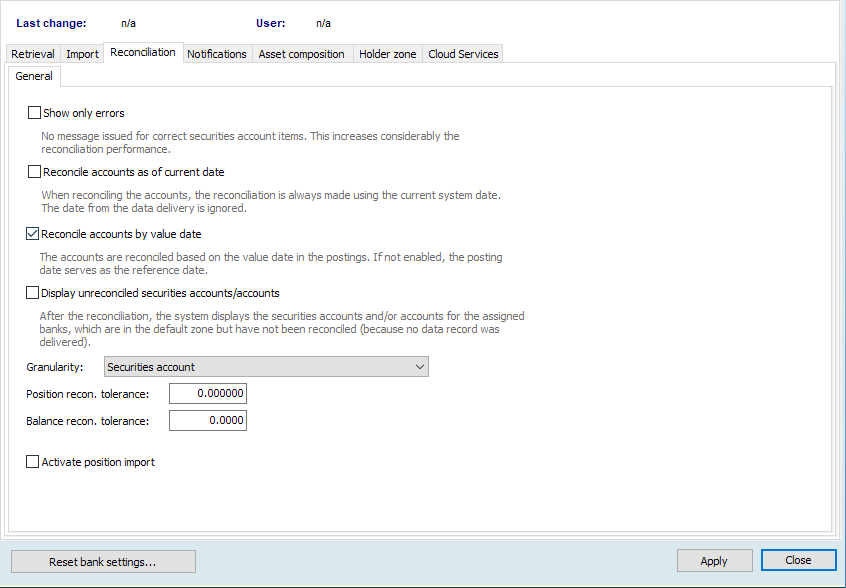
To specify the behaviour of your Portfolio Sync Interface on reconciliation, follow these steps:
-
In the "Bank" area on the left of the "Settings" window, click the corresponding bank.
-
Then switch to the "Reconciliation" tab. This is broken down into the "General" and possible further tabs such as the "Pending cash balances" and "Assessed reconciliation" tabs (if licensed).
-
Select your settings on the "General" tab. For more information on the individual functions, see the following section "General" tab.
-
On the "Pending cash balances", tab you can enable and configure pending cash balances. For more information on the add-ons that are subject to licensing, see Pending cash balances and "Pending cash balances" tab.
-
If you use the "Assessed reconciliation" function, you can find the setting options for this add-on on the tab of the same name. For more, see Assessed reconciliation and "Assessed reconciliation" tab.
-
Confirm your details by clicking the "Apply" button.