
The PSI manages a log in the log window. The log informs you of what the interface is currently doing and where errors have occurred. The messages are shown in different colours:
|
Colour |
Meaning |
|---|---|
|
Black |
Information |
|
Orange |
Warning |
|
Red |
errors |
After retrieval or reconciliation, the log window is broken down into two parts. The bottom area of the log window provides the key information in compressed form.
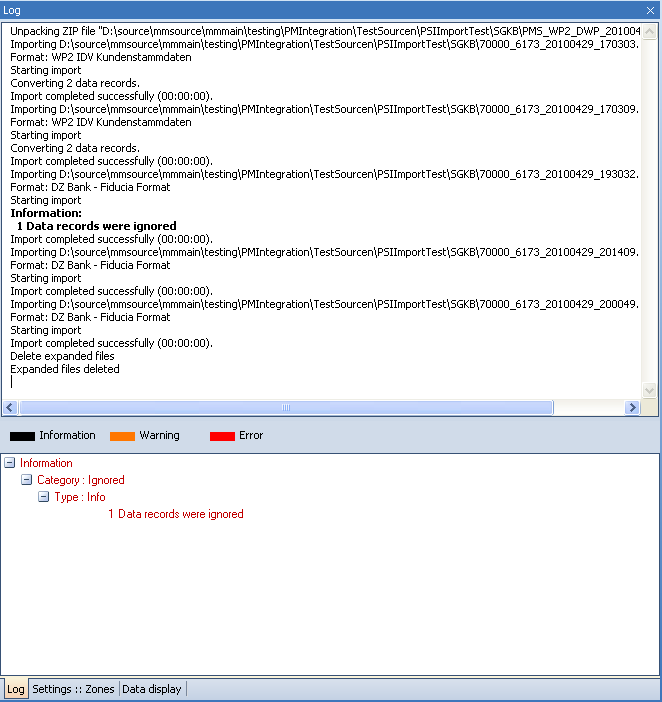
Use the bottom tabs to switch from the log window to the other open windows and back again.